CRMRS AI · now live

Ask anything about CRMRS. Get the answer in seconds.

Your guide to the whole system: the Windows desktop console, the Android agent app, and how every feature connects, from vehicle search to billing, courier and payment. Ask in English or Hindi, or paste a screenshot of any CRMRS screen.

Desktop and Android, end to end
Paste a screenshot to explain it
English, हिंदी and Hinglish
Billing, FASTag and ID cards
One system, every department

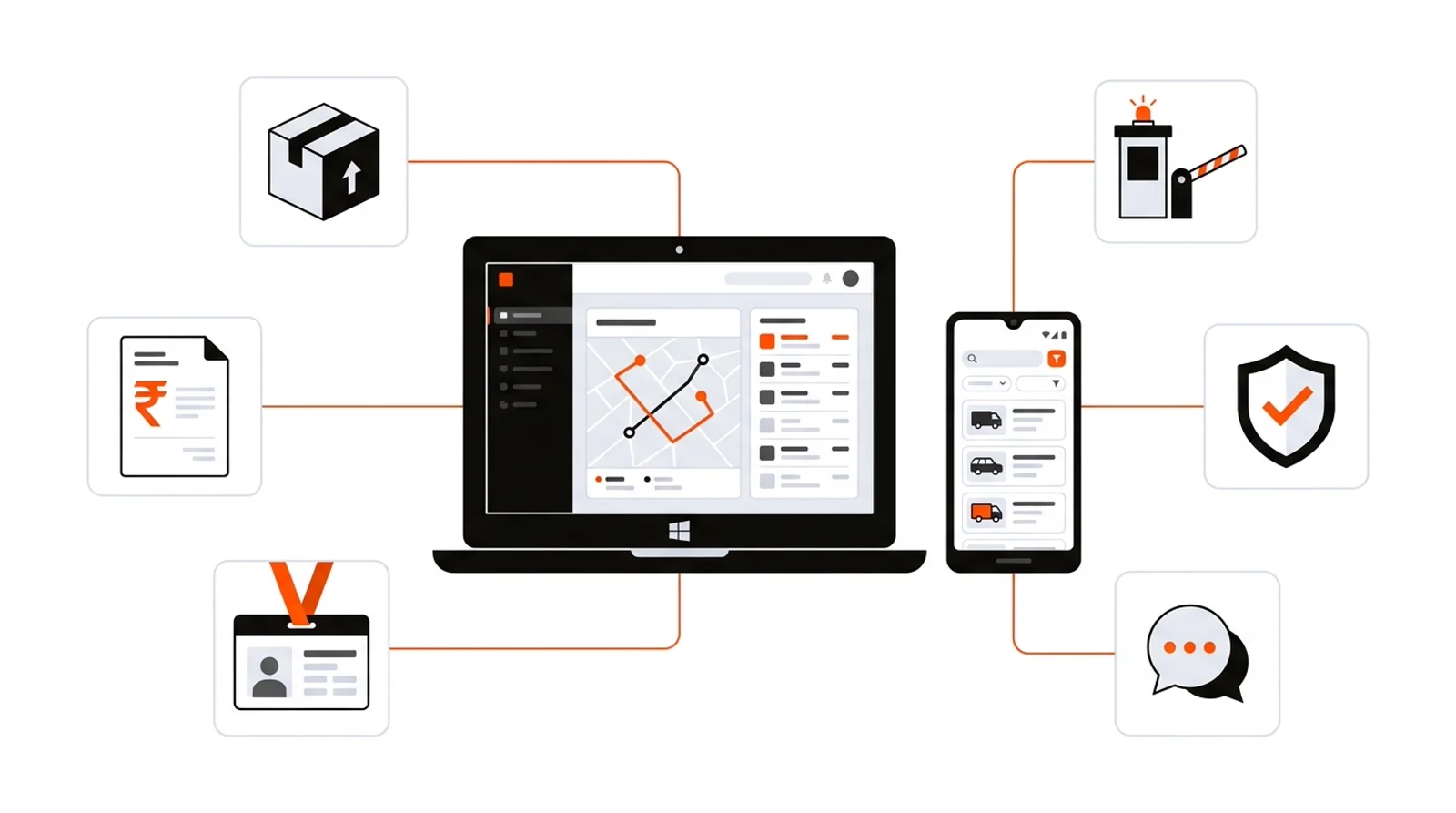
It knows how every part of CRMRS fits together

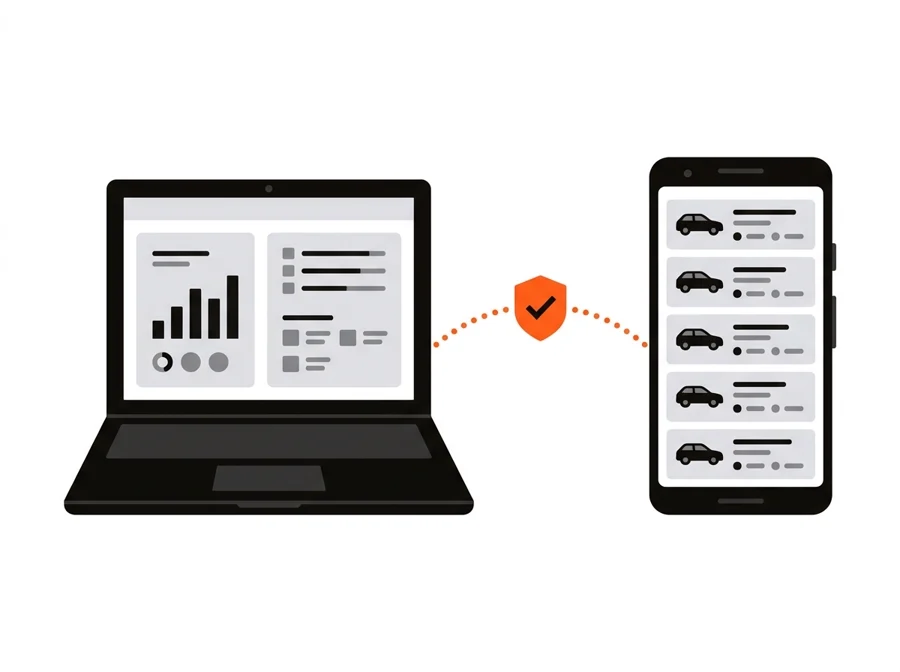
Records uploaded on the desktop reach agents' phones for offline search. A repossession marked on the phone becomes a bill, a courier entry and an agent payment on the desktop. Ask how any of it works.

Illustration: CRMRS desktop and Android app connected to billing, ID cards, FASTag, courier and security
How desktop and mobile connect

From a finance file to a paid repossession

Illustration: desktop console connected securely to the Android agent app
UploadFinance records go into the desktop by Excel, manual entry or integration.
SearchAgents' phones download them and search by RC or chassis, even offline.
ConfirmAgents send confirmations with photo and location to the agency.
V. UpdateThe admin marks the repo on the phone with a billing status.
Bill and payBilling, courier and accounts finish it on the desktop.